
Resize an image to 50 KB
Drop an image to make a JPG up to 50 KB. Your file stays on your device.
Up to 20 MB and 16 million pixels.
{{ error }}
{{ loading ? 'Reading image…' : 'Resizing JPG…' }}
{{ resultRequirements.minBytes ? 'Within your 20–50 KB range' : 'Within your 50 KB limit' }} Outside your requested size
{{ formatBytes(result.blob.size) }}
{{ result.width }} × {{ result.height }} px
{{ result.reason }}
Your resized JPG will appear here.
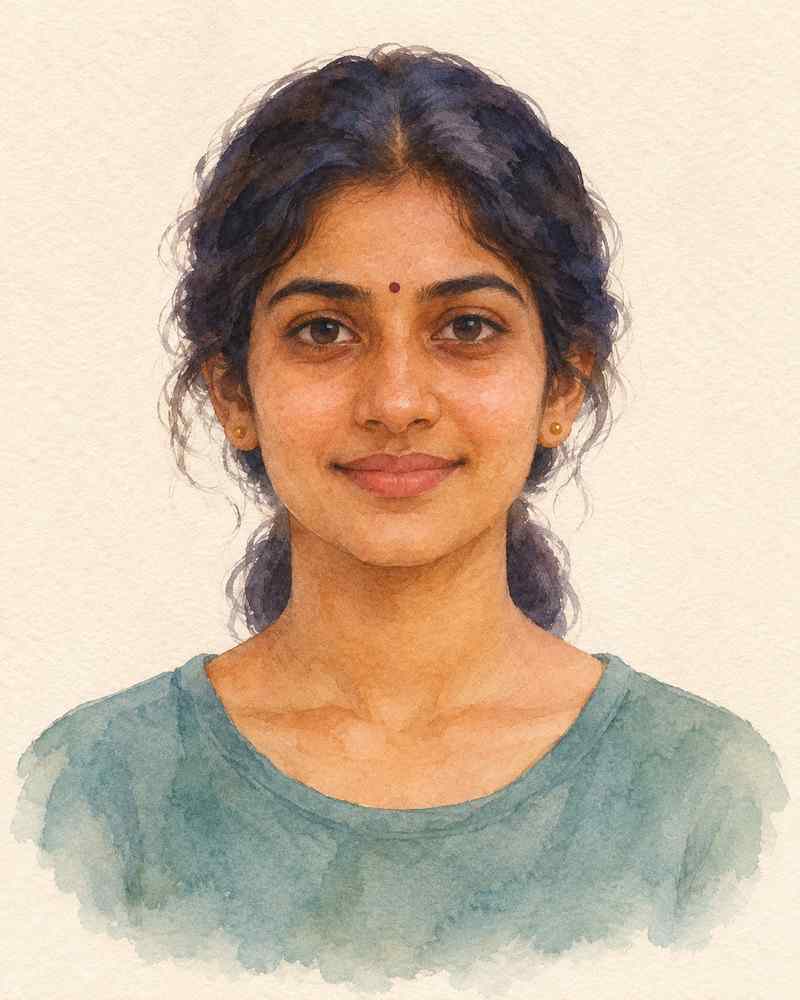
Watercolor example
Try resizing this 286 KB portrait. The example JPG is 48 KB and keeps the original 800 × 1,000 pixels.
Does your form say “up to 50 KB” or “20–50 KB”?
If the limit is 50 KB, a 36 KB JPG fits. If the form specifies 20–50 KB, a 15 KB image is too small. Choose My form requires 20–50 KB to check both ends of the range.
For a specific width, height, or file-size limit, use the custom KB and pixel resizer.
Questions about a 50 KB JPG
Does my JPG need to be exactly 50 KB?
For a 50 KB maximum, any JPG up to 50,000 bytes passes this tool’s size check. Select the 20–50 KB option if your form requires a minimum of 20 KB.
What if my photo is already smaller than 20 KB?
If the form requires at least 20 KB, try the original camera image. A small copy may stay below the minimum even at high JPEG quality. The result shows whether it fits.
How do I keep my signature readable under 50 KB?
Start with a clear scan and crop away excess blank space. Use the dimensions requested by the form and inspect the finished JPG for faint or broken strokes before downloading.