{{ busy ? 'Checking each JPG against your limit…' : file ? 'Choose Convert and check JPGs to see which pages fit.' : 'Each JPG will appear here with its file size.' }}
How to convert PDF pages to JPG under 50 KB or 100 KB
Choose a PDF and enter the maximum KB per image.
For a multi-page PDF, keep the suggested pages or enter the ones you need.
Choose Convert and check JPGs. Each image shows its size and whether it fits.
Download individual JPGs or a ZIP. Use the JPG itself when a form asks for an image.
Why a JPG is not exactly 50 KB
A maximum is a ceiling. A 48,700-byte JPG satisfies a 50 KB maximum. JPEG size depends on page detail, pixels, and encoding quality. This tool samples quality settings and can reduce dimensions when permitted. If the tested settings do not fit, it shows the failed attempt. It never adds filler bytes to hit a number.
Rendering changes what the file can do
JPG stores pixels. PDF text, links, and structure do not remain interactive in it. PDF.js renders pages using a viewport that includes page rotation and scale; our renderer uses a white background. See the official PDF.js rendering examples. To retain existing PDF page content, use Split PDF by Size.
Measured examples you can reproduce
Actual browser encodings on 5 September 2026. Chrome 152.0.7977.83. The 100-byte case keeps its starting pixels fixed and fails.
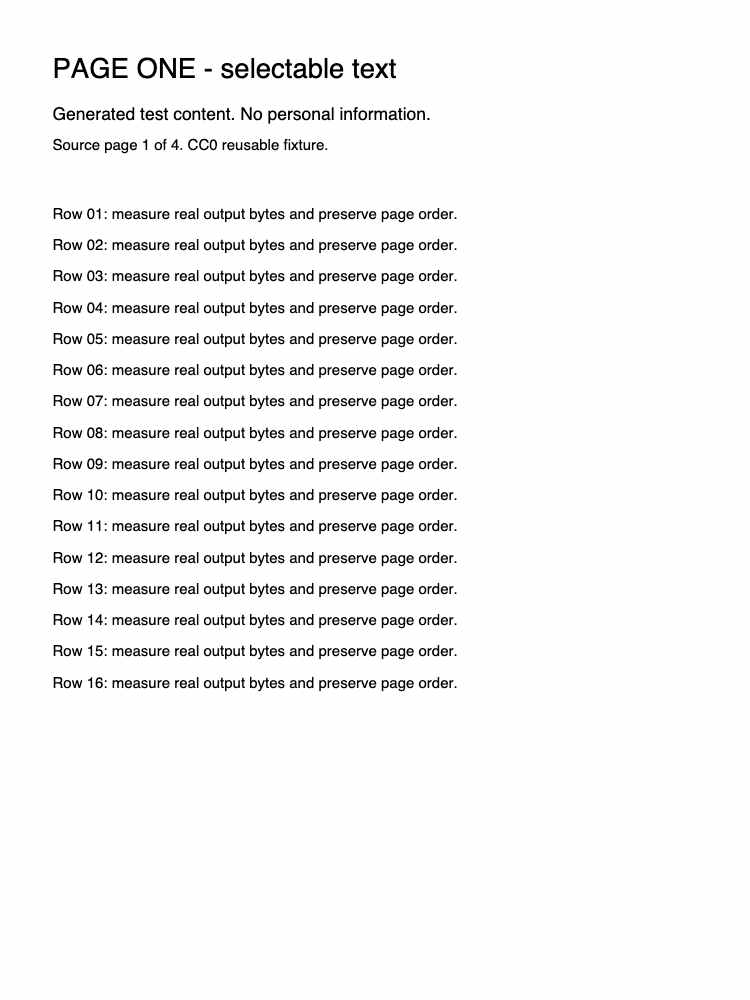
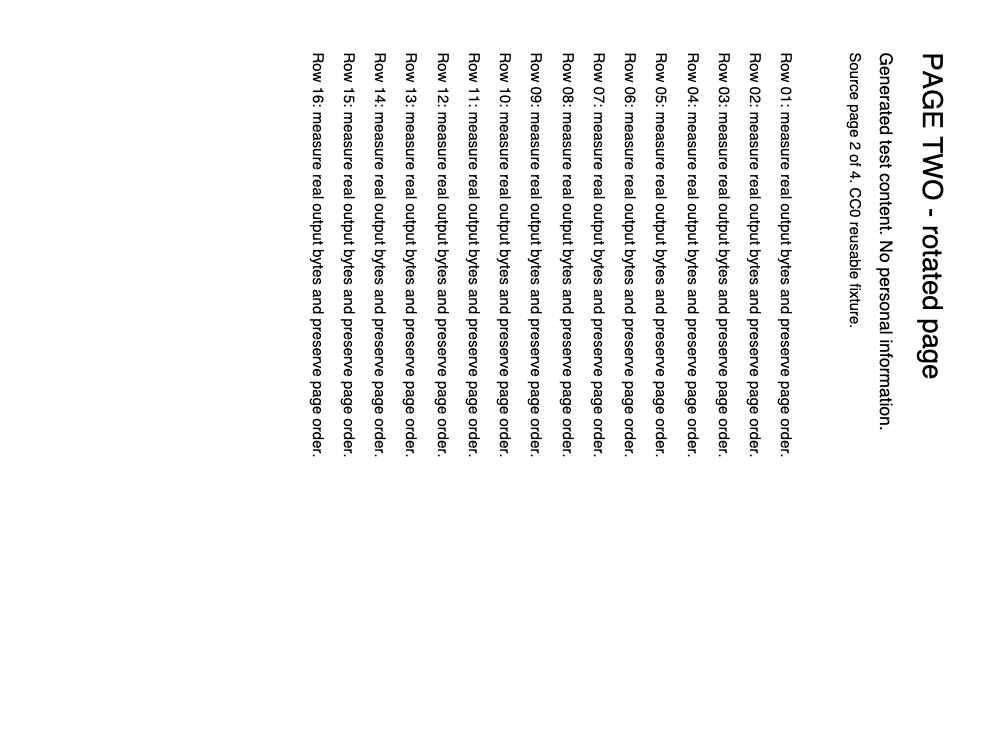
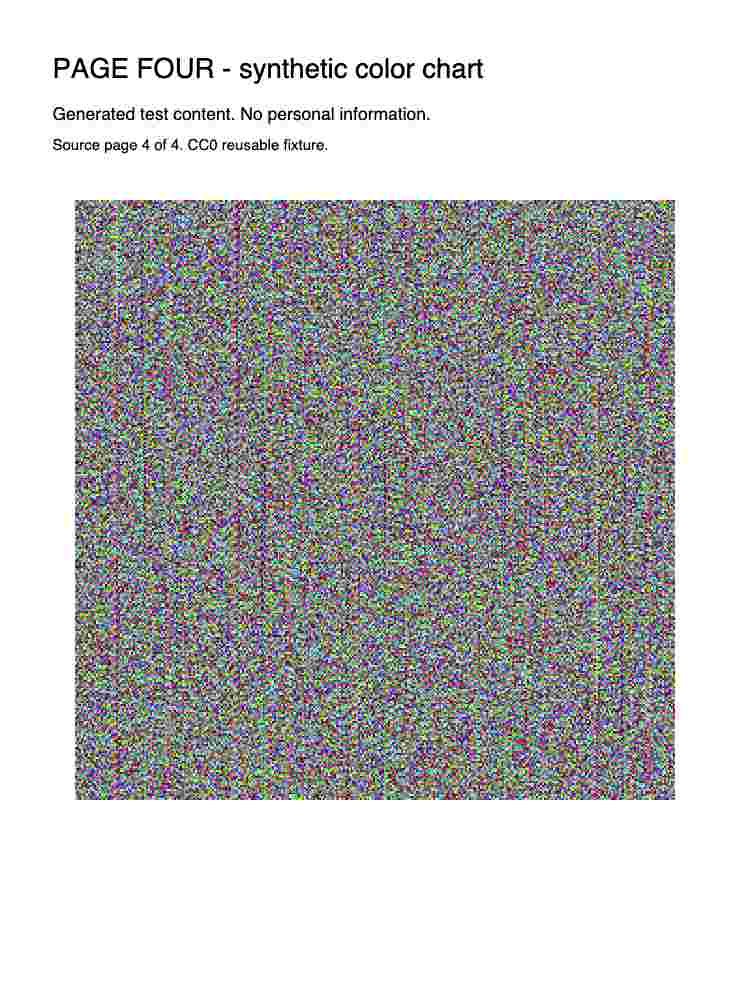
Our reproducible test uses a generated PDF with selectable text, a rotated page, and a synthetic color chart. Download the source PDF, actual measurements and output links, and method and reuse license. The report includes deliberately impossible limits, measured bytes, independently decoded page dimensions, retained text checks, and SHA-256 hashes. These synthetic examples do not establish readability or compatibility for every PDF.
A limit for every page
Each JPG is encoded and checked separately. A ZIP download does not change the individual image size checks.
Preview before uploading
Check small text and diagrams at the output size. Automatic sizing may reduce pixels to meet a tight limit.
See actual results
Every page shows the measured bytes and dimensions. Any attempt over the limit is clearly identified.
Questions about PDF pages and JPG size limits
How do I convert a PDF to JPG under 50 KB?
Choose your PDF and convert with the default 50 KB limit. For a multi-page PDF, you can select a page range. Each JPG must be no larger than 50,000 bytes. Automatic sizing can reduce pixels as well as JPEG quality. Review small text before downloading.
Does the limit apply to the whole PDF or each JPG?
It applies separately to each output JPG. A five-page selection can produce five images up to the chosen limit each. The optional ZIP has its own total size and is not checked against that per-image limit.
Which file do I upload if my form asks for a JPG?
Find the PDF page you need and choose Download JPG. Select that .jpg file in your form. If you downloaded several pages as a ZIP, open it first to get the individual JPGs.
Can I keep the pixel dimensions?
Open More options and select Keep starting pixel dimensions to hold each page’s rendered dimensions fixed. Only JPEG quality is adjusted. If the tested encodings cannot fit the limit, the result reports a failed attempt instead of silently reducing dimensions.
Will text remain searchable?
JPG stores a rendered image of a page. It does not retain selectable PDF text and this tool does not perform OCR. Use Split PDF by Size if you need PDF pages with their existing text and vector content.
Why does a very small JPG look blurry?
Page complexity, pixel dimensions, and JPEG quality all affect bytes. A page full of small text may need a larger KB limit or fewer pixels may make it unreadable. A successful size check is not a readability or upload-acceptance check.