Use the tool
Open WebP to JPG
Primary compatibility path for systems that reject modern formats.
Keep modern image formats where they work, and create a JPG or PNG copy when an app, recipient, or upload form cannot open them.

WebP and AVIF work in current browsers and many modern apps, but some older software and upload forms still reject them. Make a JPG copy for ordinary photos or a PNG copy when transparency is required.
Test the original first, then convert only when the receiving software needs another format.
Open or upload it in the required app to confirm whether there is a real compatibility problem.
Note whether it needs transparency, animation, wide color, or very fine detail.
Use JPG for ordinary photos or PNG for transparent images and sharp flat graphics.
Check color, transparency, animation, sharpness, orientation, and file size before sharing it.
WebP and AVIF can store images efficiently, which makes them useful for websites and supported apps.
Primary compatibility path for systems that reject modern formats.
The best compatible copy depends on the image content and features that must survive.
A converted file can open everywhere and still be wrong if a needed feature disappeared.
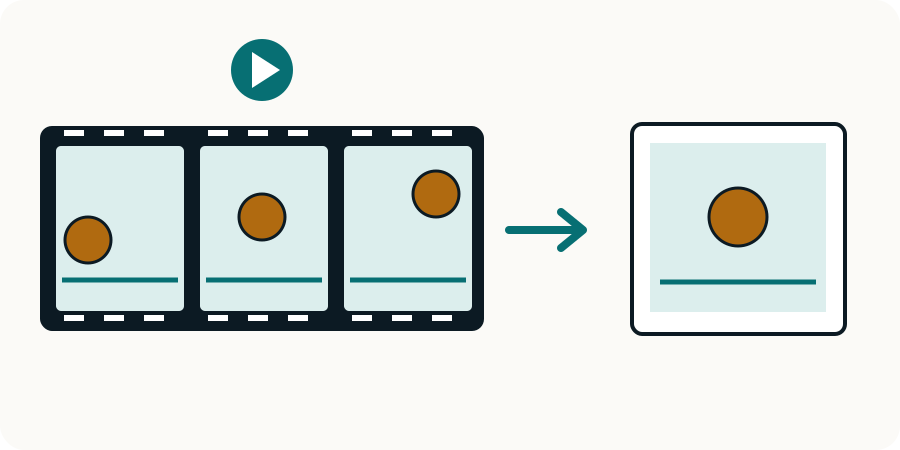
WebP and AVIF can contain animation. A JPG or PNG still conversion keeps one decoded image, not the sequence of frames or their timing.
Current major browsers generally support both, but older browser and app versions may not. Test the versions your users or recipients actually use.
Use JPG when you need a widely supported photo and do not need transparency or animation. Keep the original file for future use.
Convert to PNG or another format that supports transparency. JPEGConvert’s simple JPG converters place transparent pixels on white.
Only if the output format and conversion method support animation. A normal JPG or PNG export is usually a single still frame.
Choose the tool for the change your file needs.