Use the tool
Open Compress PDF
Make one image-based PDF when the destination permits flattening and the result stays readable.
Choose one smaller image-based PDF or measured PDF parts, then check readability and the receiving form’s file-count and size rules.

Use Compress PDF for one smaller copy: it turns each page into a JPEG image and loses selectable and searchable text, links, forms and signatures. When several PDFs are accepted, Split PDF by Size measures each part while copying existing page text and graphics. Check per-file and file-count limits and every saved result.
Keep the original. The best change depends on what the upload field accepts and what the document must retain.
Note the allowed format, maximum per file, combined limit if any, and permitted number of files.
Compress a copy only when rasterized pages are suitable. Choose Split PDF by Size when the recipient accepts separate PDFs and existing page text matters.
Enter the receiving field’s limit. The size splitter uses 1 KB = 1,000 bytes and 1 MB = 1,000,000 bytes, and checks each saved PDF separately.
Check all pages, small text, page order, byte counts and over-limit warnings. Upload the individual files unless the destination explicitly accepts a ZIP.
Compress PDF rebuilds every source page as a JPEG image on a new PDF page. It can reduce a large scan, but it changes the document rather than simply removing unused bytes.
Make one image-based PDF when the destination permits flattening and the result stays readable.
JPEGConvert’s PDF compressor renders every input page and rebuilds the document from those page images. A smaller file does not mean fewer pages.
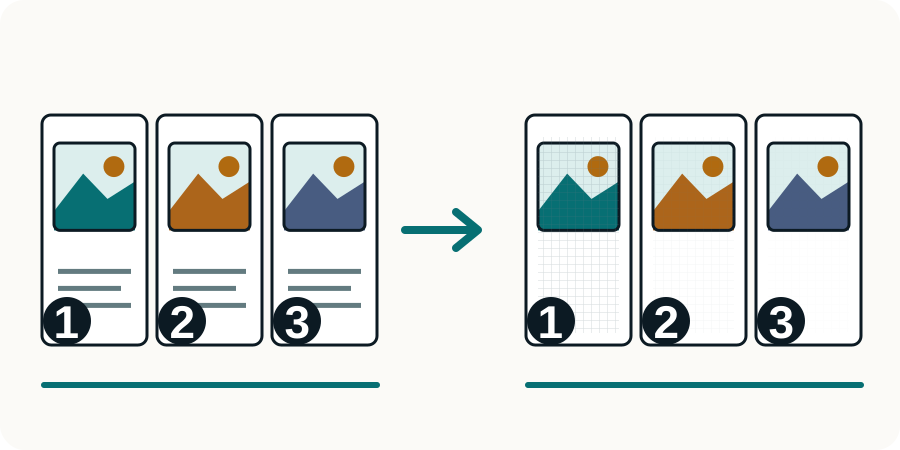
A size limit may apply to each attachment, the whole submission, or an archive. Read the rule in the actual field before splitting: separate files cannot solve a one-file requirement.
These South African examples show why the receiving channel matters. They describe file preparation, not which tax documents you must submit.
File-size arithmetic alone cannot predict a split. Each standalone PDF needs its own structure and resources, so the splitter measures the bytes after saving each candidate range.
Our four-page synthetic PDF includes selectable text, a rotated page and a color chart. These saved results demonstrate actual byte checks, including an impossible limit.
No. A long or detailed document may need more bytes to remain readable. The destination may permit splitting or a different submission method. An over-limit attempt is not a completed repair.
It copies existing page content without turning it into pictures, but creates new documents. Unsupported interactive structures are rejected, document-level navigation is not guaranteed, and a digital signature does not remain valid.
The page’s own images, fonts and PDF structure can exceed the limit. Splitting cannot divide the contents of one page. Review a permitted compression or source-export option instead.
No. This compressor rebuilds every page as a JPEG image and discards the text layer. Use a different route when searchable text, forms or other original document features are required.
Only if the receiving field explicitly accepts archives. The splitter checks each PDF against its selected limit; the combined ZIP has a different size and format.
Choose the tool for the change your file needs.